AI technical archive.
An archive you can talk to: find similar projects, retrieve previous solutions and explore historical costs. An approach applied across different settings, from engineering firms to in-house technical departments.
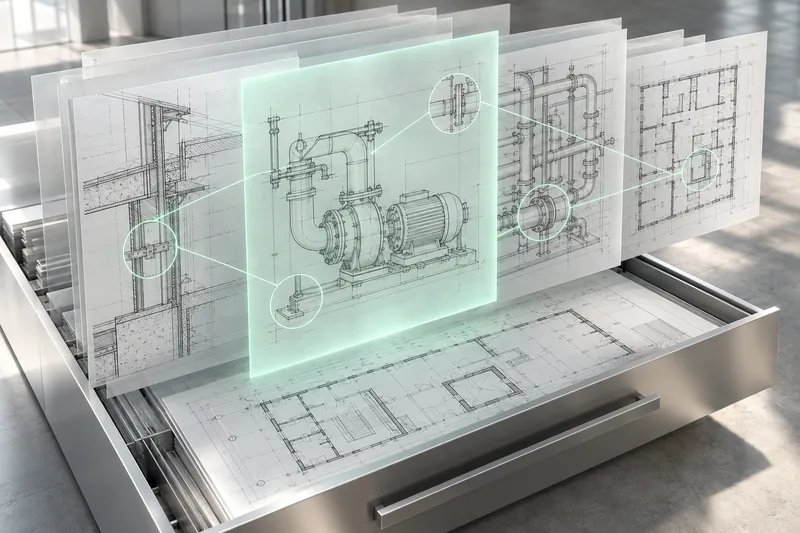
Your next project starts with what you already know.
Years of design work create a wealth of PDFs, CAD drawings, images, reports and cost records. Yet finding a useful precedent often depends on someone remembering a folder name or having worked on that project. Across several settings in which we have worked, the challenge is the same: turn a historical archive into accessible knowledge about what was done, which problems arose and which solutions worked.
- Semantic search
- Vector database
- Conversational interfaces
What we designed.
Search quality depends on how the archive is prepared. Different file formats need processing, semantic indexing and links between content and projects. Development combines this data foundation with a conversational interface and visual components for comparing and exploring results.
Prepare project knowledge
Selecting the archive, preparing content in the available formats and organising information by project. PDFs, CAD documents and images are processed according to each file’s characteristics to make relevant content usable by AI.
Connect a vector database to AI
Semantic indexing supports searches based on meaning and technical characteristics. Connecting the archive to ChatGPT makes it possible to query it in natural language and use a reference document to find relevant precedents.
Bring results into technical work
Project cards and comparison views accompany the conversation. Teams can explore technical details, documented issues, previous solutions and available financial data to inform new work and estimates.
Documents, drawings and project history
Content preparation + vector database + AI
Finding precedents and reusing knowledge
An archive holdsmore than documents.
It holds decisions, solved problems and completed work. Organising this information enables more people to find and reuse it.
Three dimensions of technical knowledge.
What was designed
Project documents describe characteristics, requirements and technical decisions.
- PDF reports and specifications
- CAD drawings and documents
- Images and supporting documentation
How problems were solved
Historical documentation helps reconstruct the issues encountered and the solutions adopted.
- Project notes and reports
- Documented changes
- Solutions and technical reasoning
What work was required
Where available in the archive, hours and costs complete the picture of a past project.
- Actual work records
- Material and processing costs
- Information for estimating
From a folder of filesto shared knowledge.
Explore how accumulated project experience becomes searchable.
Start with the knowledge you have.
Reports, drawings, images and financial records each hold part of the experience. The first step is selecting useful content and linking it to the relevant projects.
- PDF documents and reports
- CAD documents and images
- Issues, solutions and cost records
A defined set of documents organised by project.
Search by meaning.
Content is prepared and indexed in a vector database. Retrieval can connect a request to project characteristics, beyond file names.
- Processing different formats
- Semantic indexing
- Links to source projects
A knowledge base connected to AI.
One question. Relevant precedents.
Start with a request or a reference file. The conversation helps identify projects worth exploring, while cards and comparisons make their characteristics easy to review.
- Technical characteristics
- Issues and solutions
- Project documents
Precedents to explore, compare and verify.
Put experience to work on the next project.
Previous solutions inform new decisions. Documented hours and costs provide a basis for estimating work, adjusted to the requirements and conditions of the new request.
- Previously documented technical solutions
- Challenges and decisions made
- Available historical hours and costs
Retrieved knowledge to support design and estimating.
The engineering behind the search.
The same approach adapts to different document collections. Formats, content and ways of accessing information shape development.
Data preparation and semantic indexing
A vector database is the result of working on content and its context.
- Archive selection
- Identifying the folders, formats and content relevant to the technical team’s questions.
- Format processing
- Preparing text, CAD documents and images according to what needs to be retrieved. Different formats require different processing.
- Project context
- Linking content to its source project so users can move from an individual result to the relevant documentation.
- Vector database
- Indexing prepared content for retrieval based on the meaning of the request and available characteristics.
Conversational search and visual components
Natural language opens the search; structured views help users understand the results.
- Question or file
- Starting a search by describing a requirement or providing a reference document to compare with indexed knowledge.
- Project cards
- Summaries of available characteristics and access to the technical context of each identified precedent.
- Comparisons and exploration
- Comparison tables and follow-up questions to explore details, differences, issues and documented solutions.
From retrieval to new decisions
Finding the project is the starting point. The value lies in understanding what can be reused.
- Design
- Retrieving technical decisions and solutions to assess against the requirements of the new assignment.
- Shared knowledge
- Access to documented experience for colleagues who were not involved in the original project.
- Estimating
- Consulting historical hours and costs, where available, as a reference for estimates that need updating and verification.
A cross-sector approach. One archive at a time.
This experience spans multiple settings, including engineering firms and in-house technical departments. Documents and questions vary; the objective remains the same: make existing knowledge accessible. The starting point is a representative set of projects and the searches the team performs every day.
Search uses the content actually prepared and indexed. The technical team needs to assess the relevance of each precedent and whether its solutions apply; historical costs and estimates require updating.
Questions to start with
- Have we tackled a project with these requirements before?
- Which documents are relevant to this reference file?
- What issues arose and how were they resolved?
- Which hours and costs are documented for similar work?
What it makespossible.
- Conversational search across technical knowledge previously accessed manually.
- Relevant precedents identified from a question or a reference document.
- Shared access to documented characteristics, challenges and solutions.
- Retrieval of available historical costs to inform new assessments.
How much experience is hidden in your technical archive?
Let’s start with your context, available data and the first useful outcome.
Tell us about your project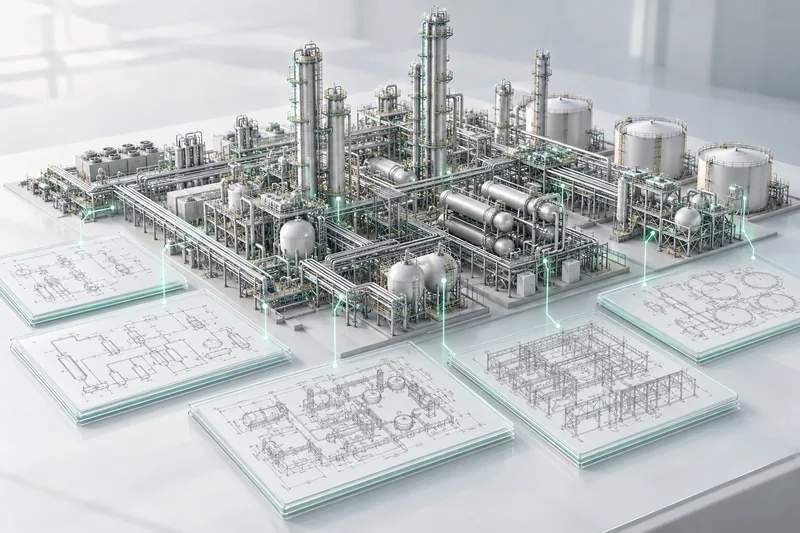
AI estimation of engineering hours.
A dedicated database and an agentic system to estimate engineering effort for EPC projects, drawing on the MDR and experience from previous projects.
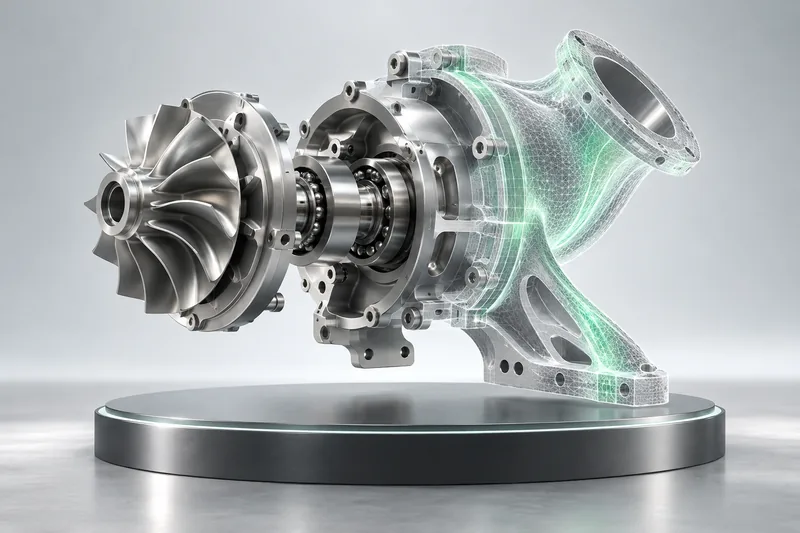
AI for engineering design and simulation.
An applied training programme for a highly specialised engineering team: using LLMs, code and AI tools to explore digital models, simulations and new approaches to design.